





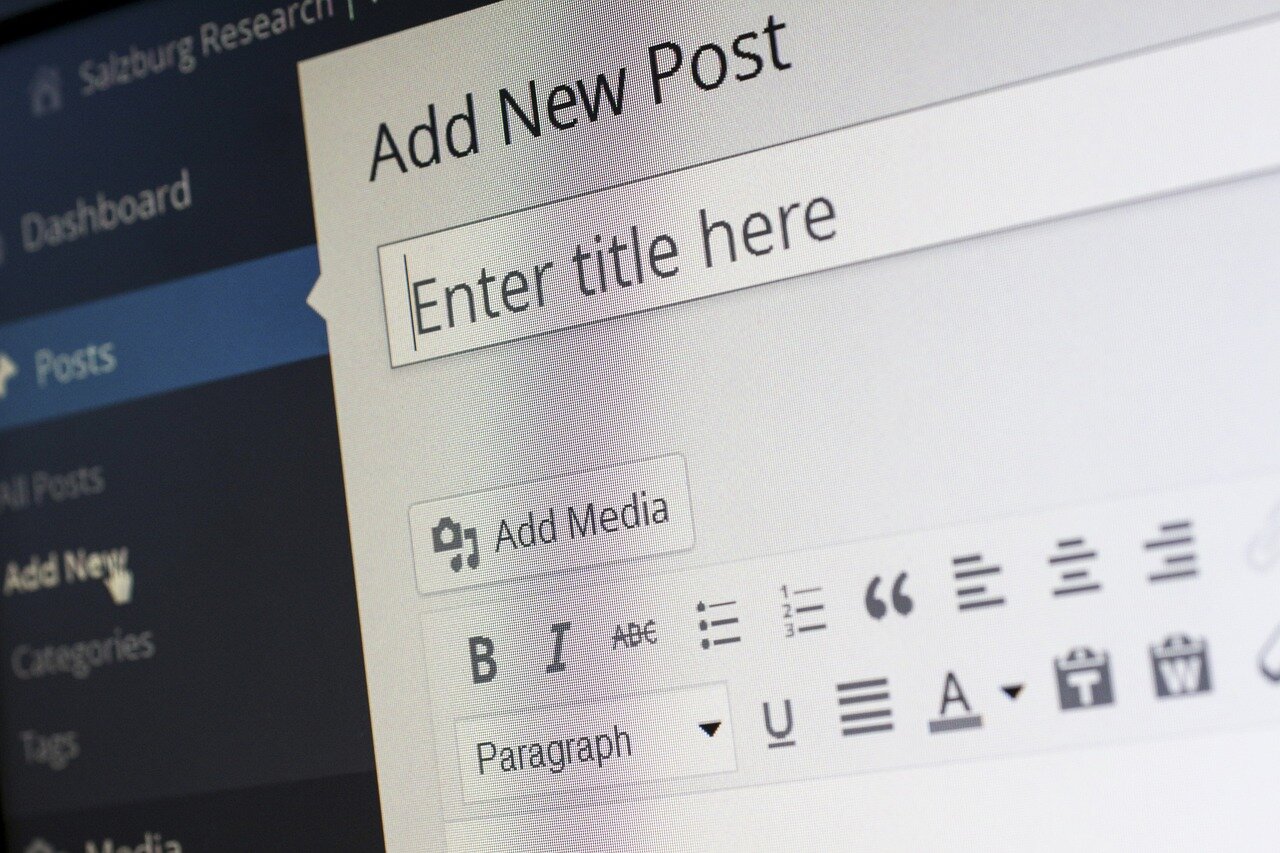
Introducing Our New Editor in Invision Community v5: Elevate Your Content Creation

By Dennis Maidon in Forums Features
· 368 views
Hey everyone!
We're thrilled to announce that we've upgraded our community to Invision Community v5, and with it comes a revamped editor that's going to transform the way you create and share content. Packed with powerful features and a sleek new design, the editor is all about making your posting experience smoother, faster, and more enjoyable.
What's New?
Streamlined Toolbar
The clutter is gone! The new editor sports a clean, intuitive toolbar that keeps all your favorite formatting options within easy reach. Whether you're bolding text for emphasis or inserting a hyperlink, it's all right there, just a click away.
Effortless Media Embeds
Sharing images, videos, or files has never been easier. Simply drag and drop your media directly into the editor, and watch it seamlessly integrate into your post.
Example: Want to share a screenshot or a photo from your latest project? Just drag the image file into your post, and it appears instantly:
Enhanced Emoji and Icon Library
Express yourself with our expanded selection of emojis and icons. From 😄 to 🚀, add personality and emotion to your posts with a simple click.
Real-Time Formatting Preview
See exactly how your post will look as you compose it. The editor updates your formatting in real-time, so there's no need to switch back and forth between preview modes.
Improved Code and Quote Blocks
For those who love to share code snippets or highlight important quotes, we've upgraded our code and quote blocks for better clarity and presentation.
Example of a Code Block:
python
def greet_user(username):
    return f"Welcome to the community, {username}!"

print(greet_user("Alex"))
Customizable Text Formatting
Unleash your creativity with more text styling options. Change font sizes, colors, and styles to make your posts stand out and convey your message effectively.
Tips to Get the Most Out of the New Editor
Drag and Drop Everything: From images to documents, if you can drag it, you can drop it into your post.
Use Emojis to Enhance Your Message: Emojis aren't just for fun—they can help convey tone and emotion. Try adding a few to your next post!
Organize with Headings and Lists: Break up long posts with headings, bullet points, and numbered lists to make them easier to read.
Experiment with Text Colors and Sizes: Highlight important information by changing text colors or increasing the font size.
Why You'll Love It
Faster Posting Experience: The new editor is optimized for speed. Spend less time formatting and more time engaging with the community.
User-Friendly Interface: Its clean design makes it easy for both newcomers and seasoned members to create great content without a learning curve.
Greater Expression: With more tools at your disposal, you can express your ideas more vividly than ever before.
Join the Conversation!
We're eager to see how you'll use these new features to contribute to our community. Whether you're sharing insights, asking questions, or starting discussions, the new editor is here to make your posts shine.
Have questions or need a hand getting started? Feel free to reply here or reach out to our moderators—they're ready to help!
Dive in, explore, and let's keep building this amazing community together.
Recommended Comments